







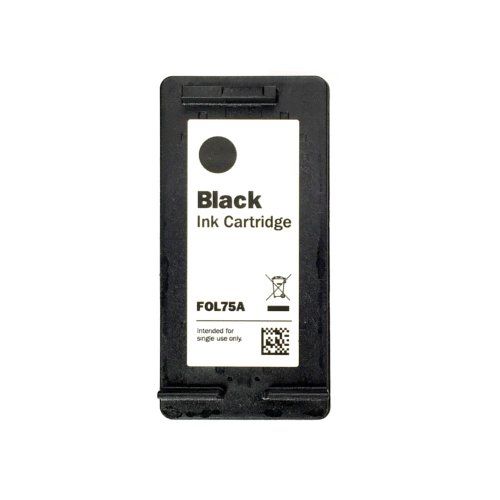
Afinia Label L301 Black Pigment Ink Cartridge
FAQ: 0 Questions, 0 Answers
0 Q&As



Item# AFN26562
- Pigment based ink.
- Color: Black
- Compatible Printer Model: Afinia Label L301 Label Printer
- Part Number: AFN26562, 26562
Product Name
Item Number
Price
Qty
ProductDescription
This black pigment ink cartridge is for use with Afinia Label L301 Label Printer. It contains 29.1 ml of pigment-based ink for your vivid, long-lasting images. Also available in tri-color dye-based ink cartridge.
Product Details
- Color:Black
- Printer Compatibility: Afinia Label L301 Label Printer
- Capacity:29.1ml
- Quantity:1pk
- Part Number:AFN26562, 26562
- UPC:814420999574
Demonstration Video
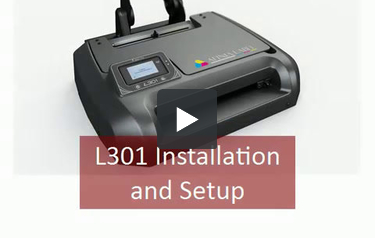
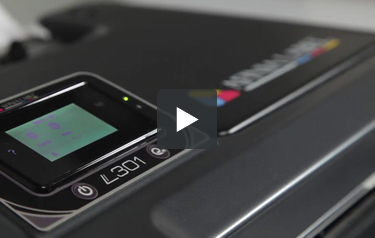
Afinia L301 Label Printer Installation and Setup Video
Transcript :
Afinia L301 Label printer Installation and Setup Video.L301 installation and setup. Run “setup.exe” from the installation disc (included in accessory box). Click “Install” each of the three times this window appears to pre install the drivers. Connect Power and USB. Connect Unwinder using 2 thumbscrews. Press he Power button. L301 is ready when display panel is on and green LED blinks slowly. Open Ink door and install cartridges. The L301 is ready for printing.
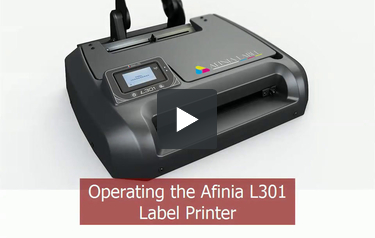
Afina L301 Label Printer Basic Operation Video
Transcript :
Afinia L301 Label printer Basic Operation Video. Operating the Afinia L301 Label Printer. Loading the label stock , 3” core, max 6” diameter. Edge of media must be against this guide, slide label stop to this edge of label stock. Changing ink cartridges. Open ink door, remove empty cartridge, insert new cartridge and close door. Printing labels. When done printing, labels will move to cut position. Return cutter to home position. Cancelling print job. Press cancel button on panel. Labels will move to cut position, red LED will blink. Return cutter to home position. Unloading Media. Always cut ...
Afinia L301 Label printer Basic Operation Video. Operating the Afinia L301 Label Printer. Loading the label stock , 3” core, max 6” diameter. Edge of media must be against this guide, slide label stop to this edge of label stock. Changing ink cartridges. Open ink door, remove empty cartridge, insert new cartridge and close door. Printing labels. When done printing, labels will move to cut position. Return cutter to home position. Cancelling print job. Press cancel button on panel. Labels will move to cut position, red LED will blink. Return cutter to home position. Unloading Media. Always cut any exposed media before unloading! Press Unload button. Turning Off the L301.Press Power button, the Shut Down. Alternate Shut Down method: press and hold Power button for 5 seconds.