

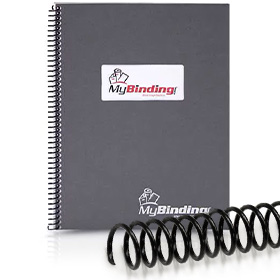







The GBC CC2700 plastic spiral coil inserter (formerly the Ibico 240CB Coil Inserter) is an innovative solution for coil binding, and offers many features that will enable you to easily and efficiently produce attractive coil-bound documents. Though ruggedly built, the 240CB is compact and light enough to use on any table or desk. It has been designed for easy operation, as part of the GBC product line.
One of the most unique feature of the CC2700 is its exclusive Spine Former. This is an Ibico excusive, and assists the operator in rapidly forming the document to the curve of the coil for easy insertion of the element. Additionally, the CC2700 has dual moving rollers making coil easier to insert.
Here are six steps for coil binding using the CC2700 coil inserter:
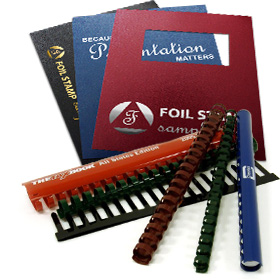
- Select the appropriate size coil for your document by measuring your book or using the convenient coil sizing guide located on all of our coil binding product pages.
- Adjust the rollers to the appropriate level for the size coil being used by pulling out the knob on either side of the system, and moving it to “lowest”, “center” or “highest” position (see chart), depending on coil size.
- Place the unpunched edge of the coil document into the spine former.
- Start the coil element by hand into the first three or four holes of the document, as illustrated.
- Hold the document firmly on both ends, with your fingers just below the punched holes, to prevent the pages from separating.
- Position the document with the standard coil in between the two rollers. Hold in place while the rollers spin the coil through the document. Once the coil begins to spin through the holes, remove pressure from the leading coils. These coils will find their way into the holes if they are pushed from behind.
- Finish the document using a pair of spiral coil hand crimping pliers.
And as always, call if you need any further help.