


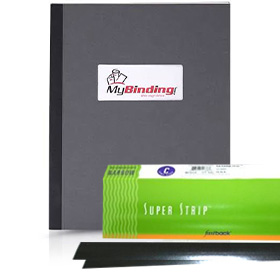
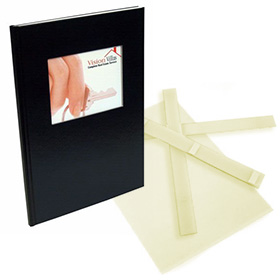
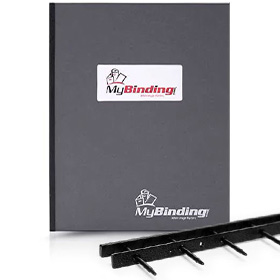


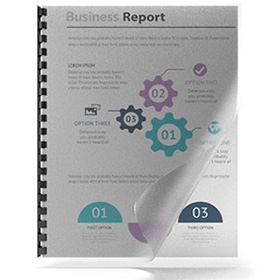
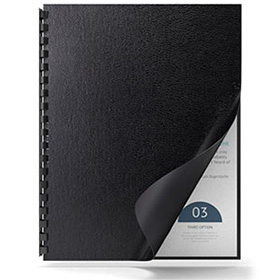
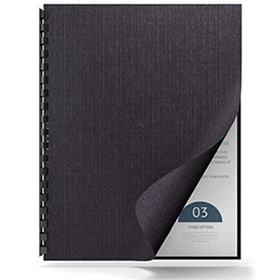
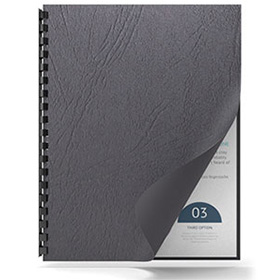
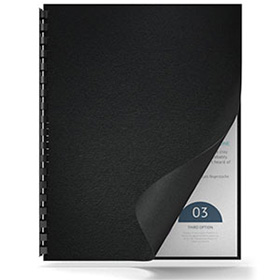
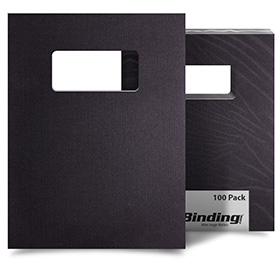

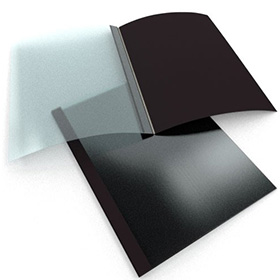






Headbands are narrow strips of cloth fastened between the book block and the spine at the top and bottom of a book. Although they were once an integral part of the binding process, most headbands today are used as attractive decorative touches. Fastback Headbands come in a variety of solid and checkered color combinations.
Installing Headbands on your document is actually quite easy. However, you will need to add them before you insert your book block into your hard cover case. You then peel the release paper backward exposing the adhesive backing and align the edge of the headband with the edge of your book block. You then can trim the headband strip to the same width as the book block. Headband strips come in packs of 25 and are six inches long each. This means you can use a single Fastback headband to bind multiple books. 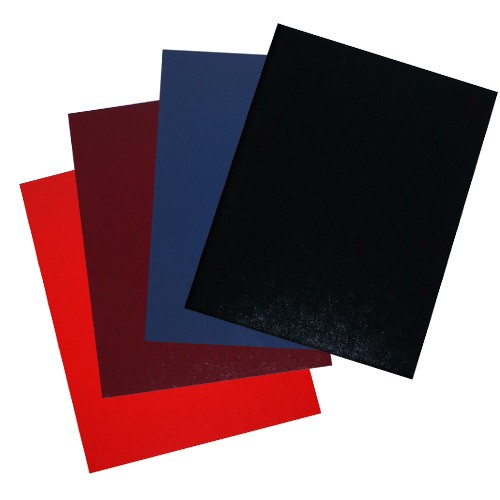
Fastback FoilFast Title Sheets:
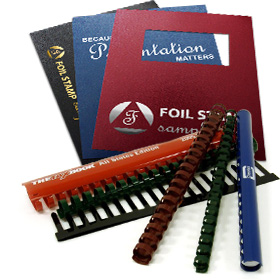
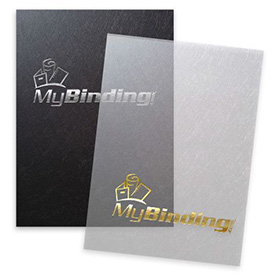
Using Powis Parker’s Foilfast printer, you can title and decorate your covers with up to seven colors of foil. Foilfast Title Sheets are made of the same materials as the Fastback Hardcovers so you are ensured of a perfect match. They may also be used to create spine titles for you books. Foilfast Title Sheets are slightly smaller than their corresponding covers. For instance, the FTS for the letter-size Fastback Hardcover is 8-1/8″ rather than 8-1/2″ wide. Artwork that you want to center on the book covers should have its center 4″ from the left edge of the sheet.
Using FoilFast title sheets is actually quite easy. First, you Insert the Foilfast Title Sheet (FTS) into the Foilfast printer so that the narrow release paper is on the left side and facing away from you. Compose your design with any software.
When you are finished choose File > Print. Click on the “Properties” button in the Print window to open the Properties dialog box. Choose the “Upside Down” option. Put your cover in the Fastback Hardcover Guide with the exterior of the hard cover face up. Make sure that the front cover is pushed all the way into the corners of the Guide recess, beneath the green stops. Lock the cover in place by depressing the lever to the right. Remove the narrow release paper from the FTS. Align the top and right sides of the FTS against the edge of the green paper stops. Then, press the exposed adhesive area onto the cover. Gently lift the right end of the FTS and remove the large release paper. Lay down the FTS onto your cover. Smooth down the FTS to complete your custom printed cover.
Traditional Customization Options:
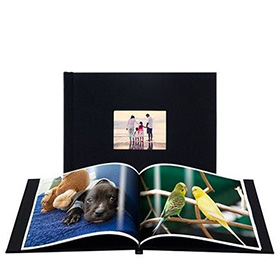
If you are looking for a cover that has more customization or are looking to bind a large number of documents with the same size of covers, it is possible to use other customization techniques. You can order hard covers with custom hot foil stamping, silk screening or offset printing. You can even order covers with full bleed offset printing wrapped around the entire case. These options usually require larger quantities and proof approvals before proceeding. However, they also provide the most options for customization and brand enhancement.